
Upload a body photo
Add a photo of the arm, leg, back or wherever you're considering a tattoo. Your photo stays on your device — it is never uploaded to a server.
Upload your body photo, add your tattoo design, and preview the size, placement, and realism before getting inked.
Upload a tattoo design and a photo of where you want it. Nicetats removes the background, then blends, warps and places the design over your skin using a GPU-accelerated editing engine, so you can judge the size, placement and how the ink will actually look before you ever sit in the chair.
Your original photo is never redesigned or AI-generated. Nicetats only transforms the tattoo layer—your skin, body, lighting and facial features remain exactly as they are.
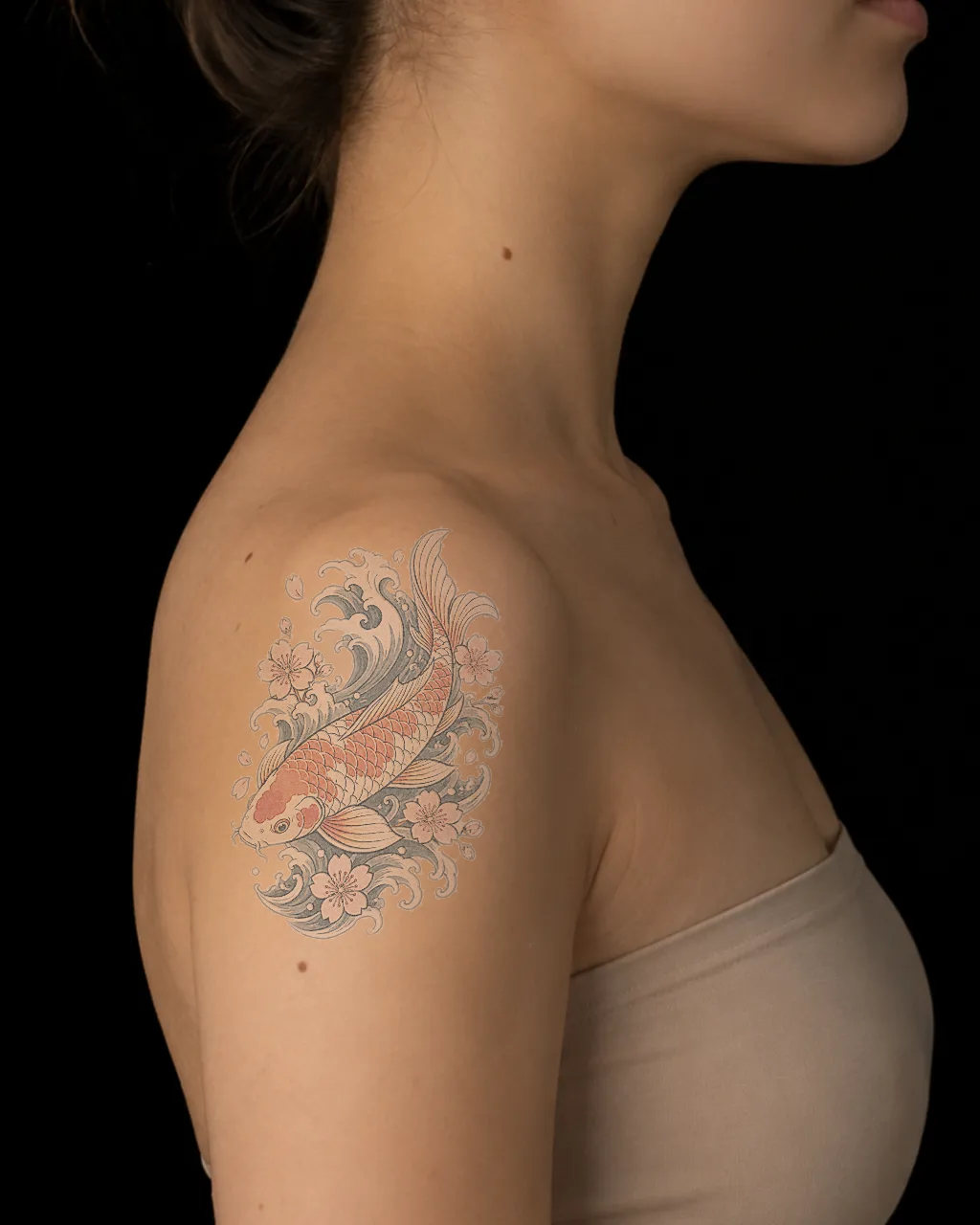
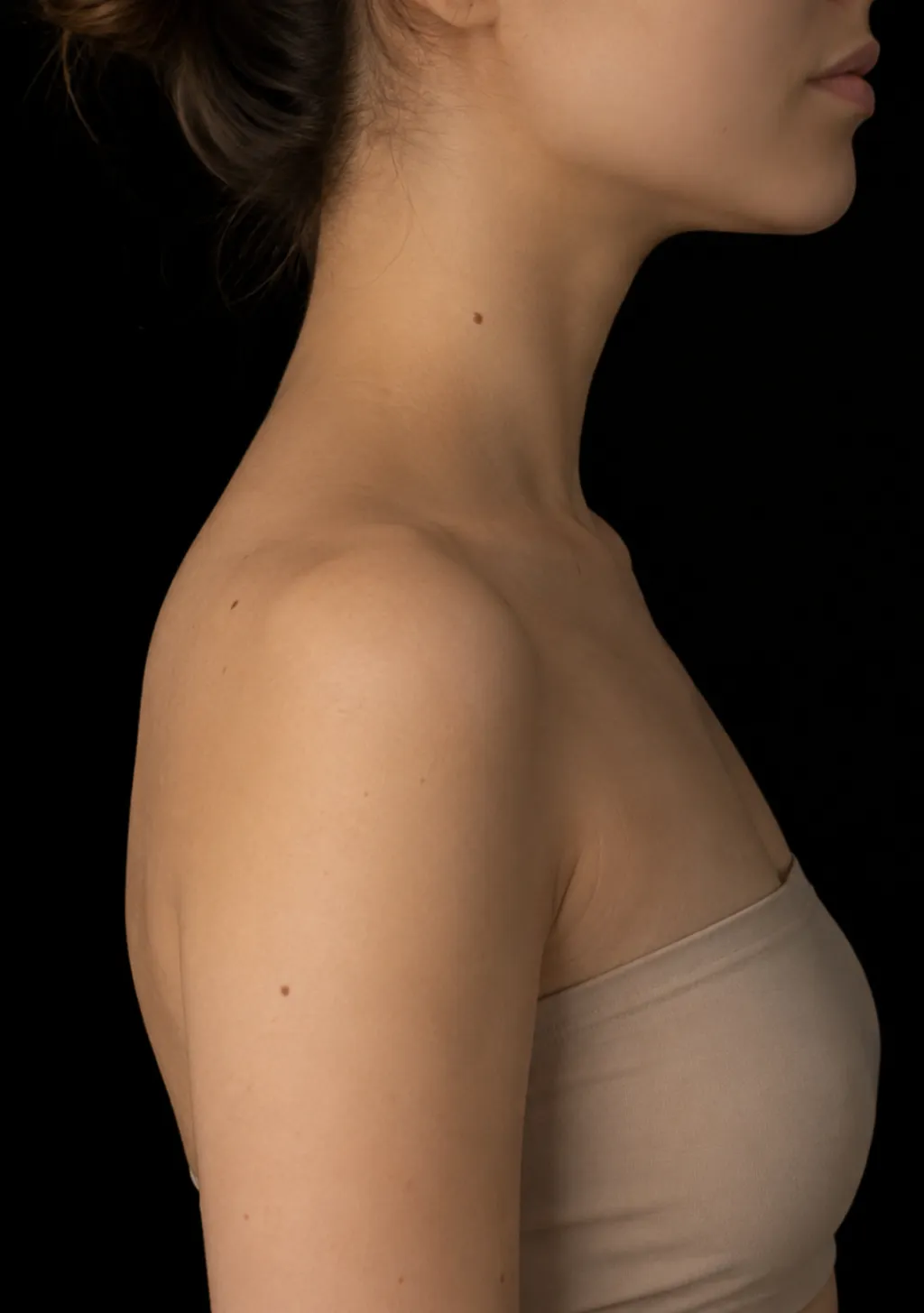
Nicetats is a free, private online tattoo try-on editor that runs entirely in your browser. Upload a body photo and a tattoo design to preview tattoos on your own skin in real time using professional editing tools.
From a photo and a design to a realistic on-skin preview — every step runs on your device.
Add a photo of the arm, leg, back or wherever you're considering a tattoo. Your photo stays on your device — it is never uploaded to a server.
Drop in your artwork as a PNG, JPG or WebP. A design with a transparent background works best, and you can place up to three designs at once.
One-click background removal lifts your design off its backdrop, with magic, color and brush erasers plus edge feathering and despeckle for a clean cutout.
Blend the design onto skin with multiply, screen and overlay modes, then fine-tune brightness, contrast and color so the ink follows the light and tone of the body underneath.
Move, scale, rotate, flip, warp and bend each design, wrapping it around curves. Manage up to three separate tattoo layers independently.
Download a high-resolution image of your finished mockup to keep or share with your tattoo artist, so they can match the size and placement you chose.
No. Nicetats does not use generative AI to redesign or replace your tattoo artwork. Your original design stays intact—you control the placement, blending, and adjustments.
No. Your photos and tattoo designs stay on your device while you edit.
No. You can use the editor without creating an account.
PNG, JPG, and WebP.
Yes. Upload your own tattoo design and preview it on your body before getting inked.
Yes. Export a high-quality preview to share with your tattoo artist.
Yes. Nicetats supports up to three tattoo layers, each with its own editing controls.
Yes. The editor is designed to work on desktop and modern mobile devices.